Garage Openers
 Garage Springs
Identify the keypad and opener separately
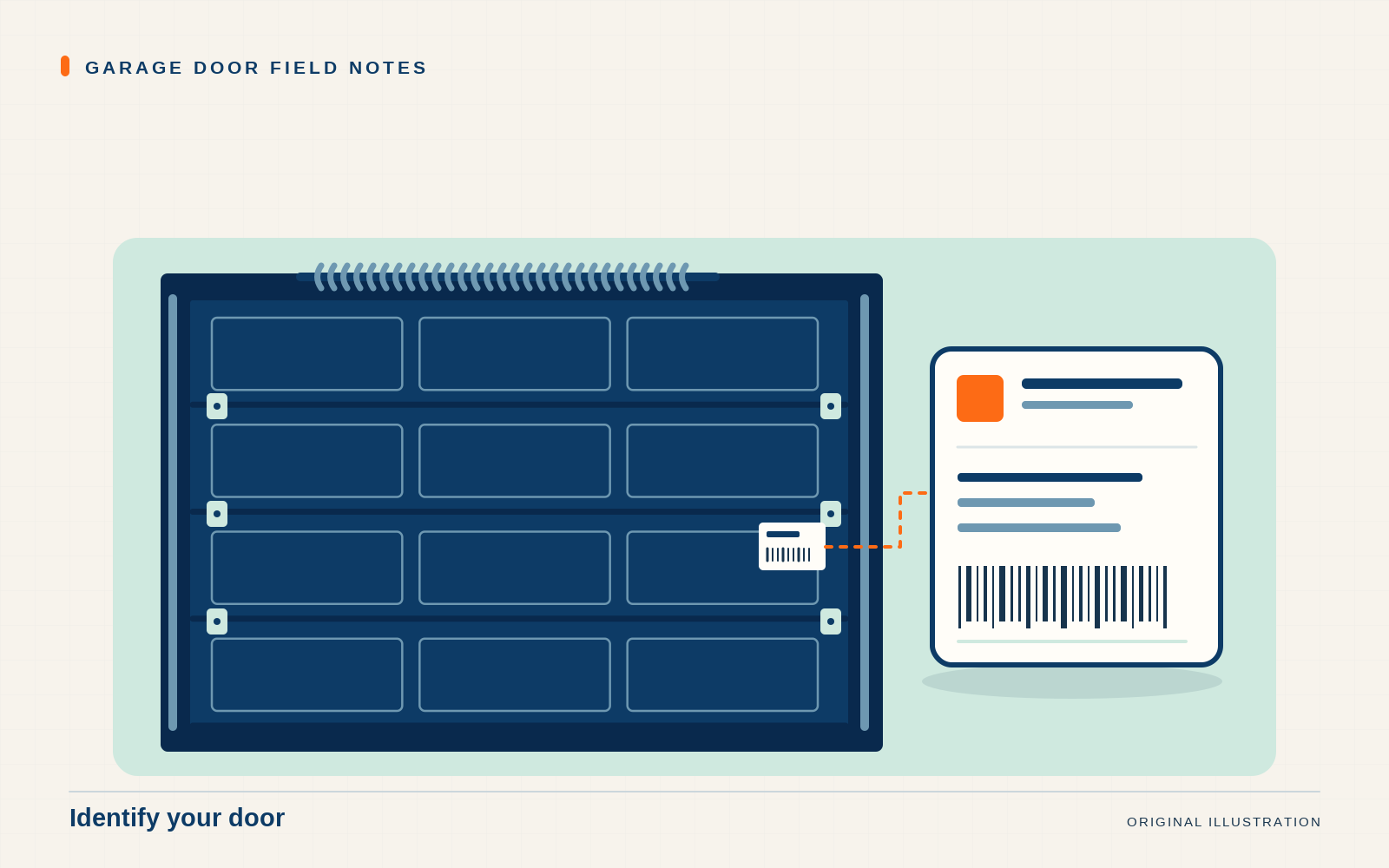
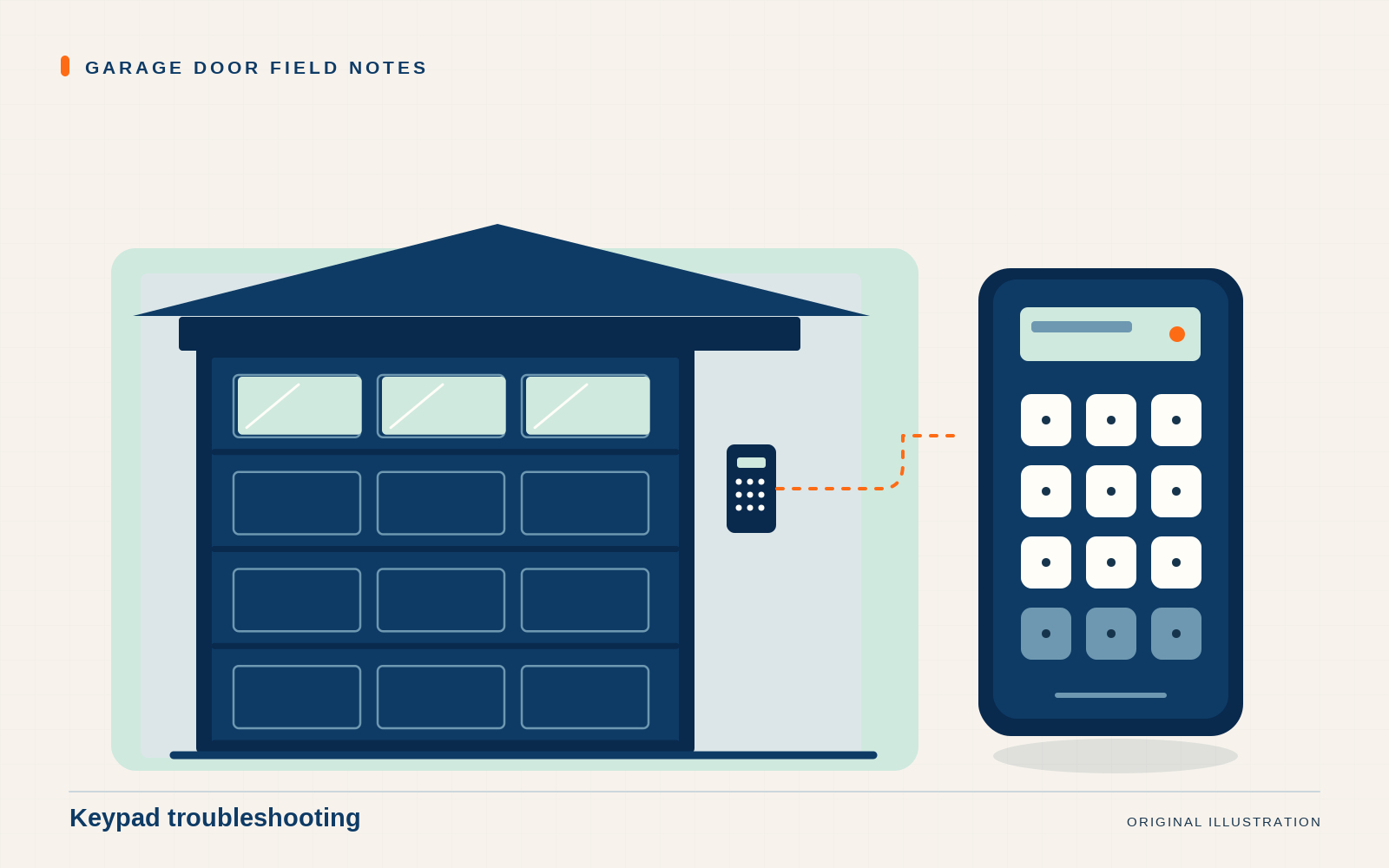
The brand on the large garage door does not identify the wireless keypad. Record the keypad model from its own label and the opener model from the motor unit. A keypad can have been replaced years after the opener, so appearance and installation date are weak substitutes for the labels.
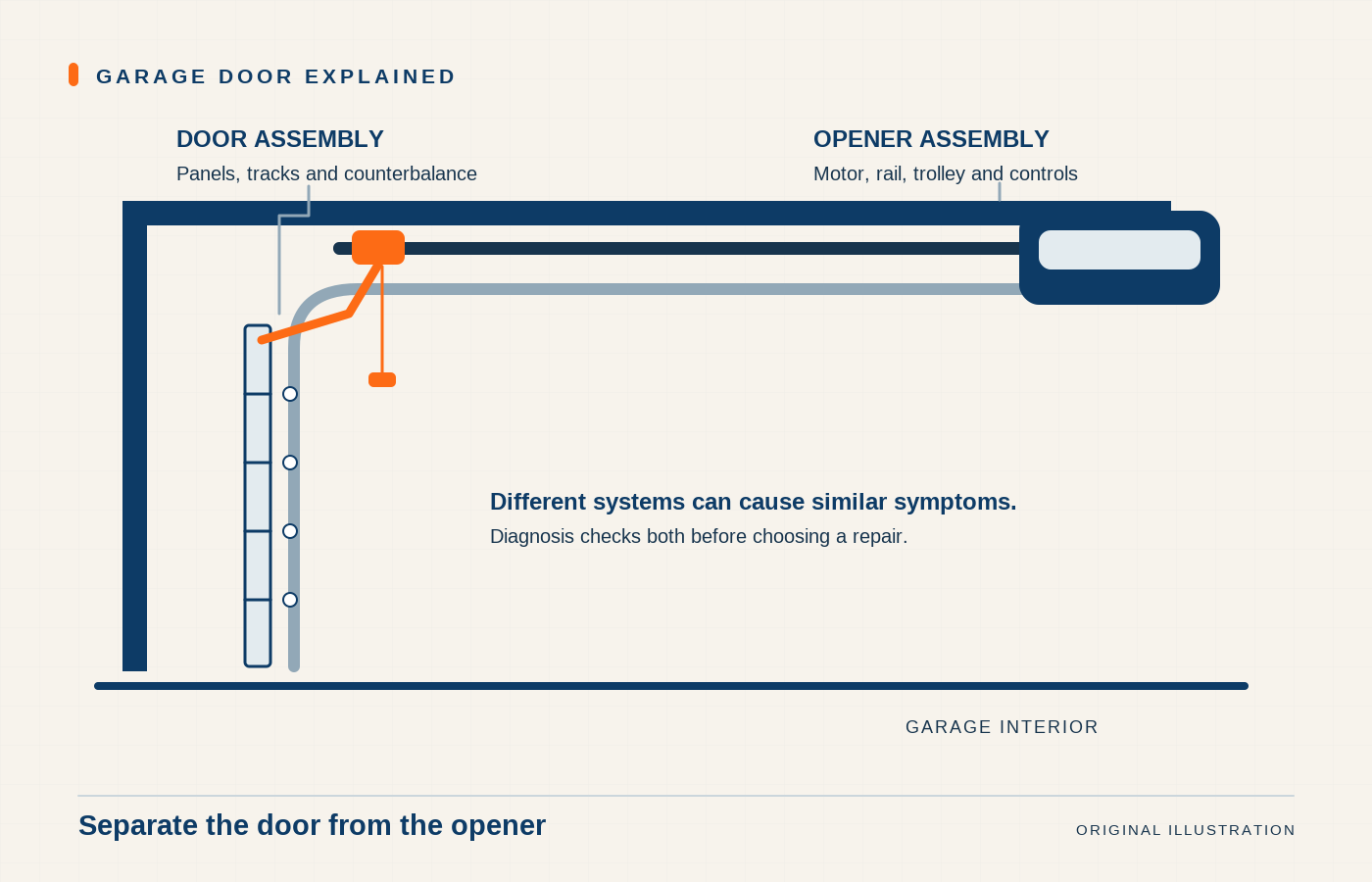
Use the two model numbers to find the manufacturer's compatibility list and instructions. The door and opener identification guide explains which information belongs to each system. Keep a photograph of the keypad label with your manual; do not include your access PIN in a service photo.
Use the symptom to narrow the cause
Describe the failure before buying parts. Does the keypad stay dark, light normally without opening, work only with particular keys, or close the door but refuse to open it? Also note whether the wall control and an already-paired handheld remote worked normally when you last used them.
Chamberlain's keypad troubleshooting guide distinguishes battery, programming, button and temporary-PIN issues. These are possibilities, not a diagnosis for every brand. If the handheld remote has also stopped working, use the separate remote-versus-wall-control checklist; the symptom is broader than a keypad-only fault.
Check battery and PIN conditions
Check the battery type and cover-opening method in the keypad's own instructions. Do not force a sealed cover or substitute a battery because it looks close. Chamberlain's battery replacement instructions vary by keypad family. After replacement, check that the cover closes properly and follow the prescribed normal PIN-entry sequence with the doorway clear. If a garage door keypad lights up but will not open the door, note whether it accepts the PIN and whether a known-working remote operates the same opener. If only the keypad fails, the battery, PIN, pairing or keypad model may explain the symptom. For faults across several wireless controls, ask about garage door receiver and keypad diagnostics.
A lit keypad does not establish that the opener received the command. Check whether the code you are using is the permanent PIN or a guest code with an expiry. Some supported Chamberlain temporary PINs can still close a door after their opening permission expires; that behavior is model-specific.
Avoid broad resets and incompatible replacements
Find the instructions for adding or changing one keypad before clearing all opener memory. A broad erase may remove other access devices and leave household members with controls that no longer work. List those devices first, including vehicle buttons, and make sure another entrance remains available during any programming session.
For a replacement, ask the supplier to confirm the exact opener model and radio system in writing. “Universal” is a product description with a compatibility list, not a promise that every opener is supported. Avoid borrowing a button sequence from a similar-looking keypad: the Learn button, timing and confirmation signals can differ.
What to tell a technician
A useful service request contains the two model numbers, which other controls still work, the battery type installed, and whether the failure is consistent. Mention recent keypad replacement, PIN changes or building work near the mounting position. If only one digit seems unresponsive, describe that without sharing the actual PIN.
Request garage door opener diagnosis when the correct battery and documented programming do not restore reliable access, or when several wireless controls are affected. Ask whether the proposed work addresses the keypad, radio receiver or another confirmed fault, and which devices will need programming afterward.
Frequently asked questions
Does a working wall button prove the keypad is broken?
No. It shows that one control path works. A wireless keypad can have a power, programming or compatibility problem, and the receiver may also need diagnosis.
Should I give the technician my PIN in advance?
Usually the model and symptoms are enough to arrange a visit. Keep the PIN out of photos and public messages; coordinate any access or code change privately when needed.