Garage Openers
 Garage Springs
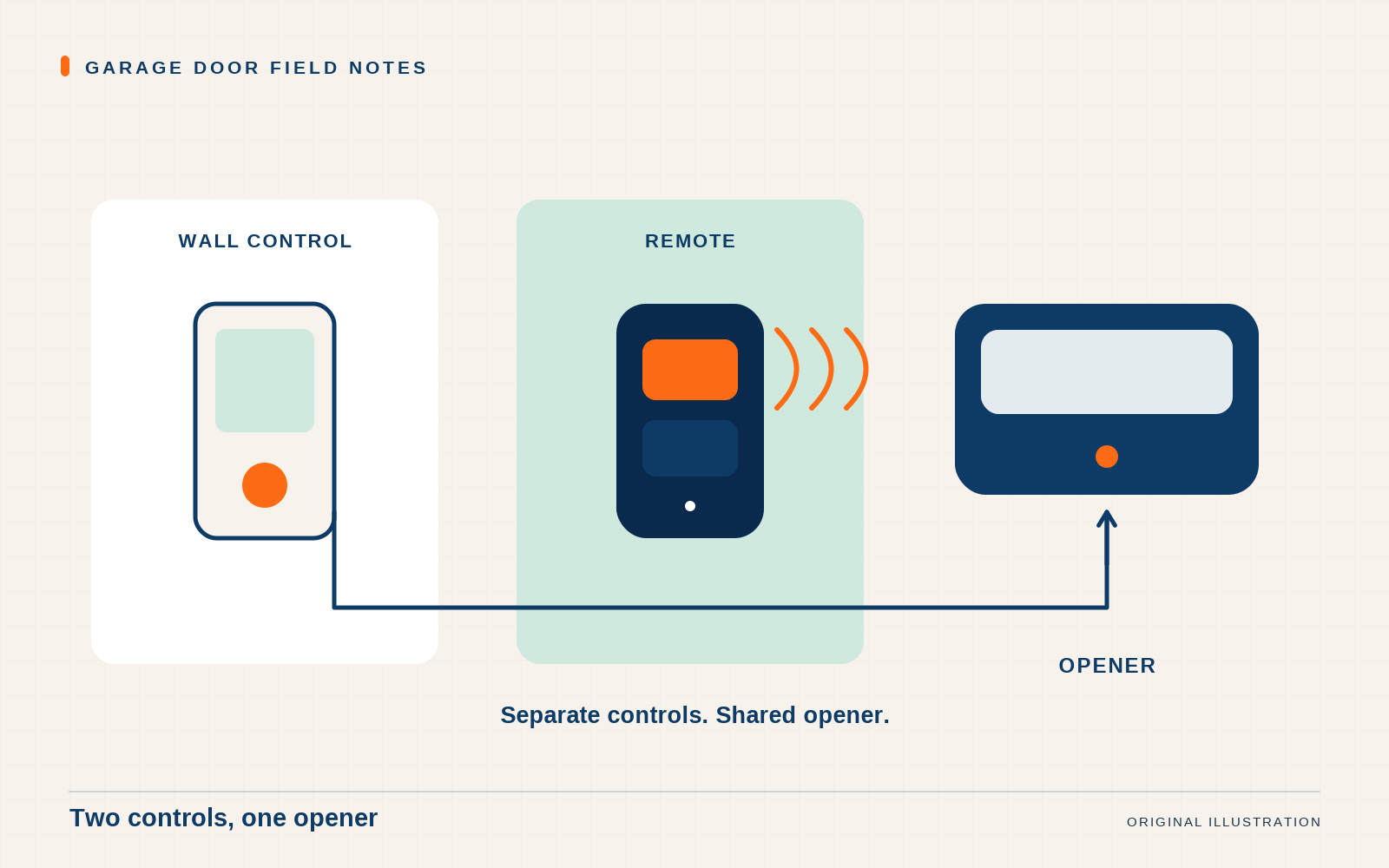
Start by comparing the controls
Record what still works: the wall control, a second remote, an exterior keypad or an app. These comparisons help distinguish an individual transmitter problem from a broader receiver or operating problem. An app may use a different communication path, so app operation does not prove that the handheld radio receiver is working. When the wall button works and the garage remote does not, test another known-working handheld from the same spot. One weak remote and several remotes that quit together point to different parts of the system. Share the opener and receiver model, recent changes and the results when requesting garage door remote and opener repair.
Also describe what “the wall button works” means. If normal operation requires holding the button continuously, or the door reverses or struggles, the issue may involve a safety or door condition rather than just the remote. Stop and investigate that condition first.
Check the remote itself
Find the remote model and its specified battery. Open only the user-accessible battery compartment described in the instructions, observe polarity and secure the cover afterward. A light on the transmitter is not a reliable measurement of remaining battery performance.
If the remote was dropped, got wet or has a damaged button, note that history. Test from a normal safe operating position with the door in view and the opening clear. Do not stand beneath the door or repeatedly operate it while someone is working nearby.
Keep replacement and used button or coin batteries away from children and pets, and dispose of them appropriately. Do not substitute a battery simply because it appears to fit.
Check the control’s lock feature and compatibility
Some wall controls have a lock or vacation function that disables handheld transmitters while leaving wall operation available. The indicator and unlocking procedure depend on the model. Consult the manual rather than pressing an unfamiliar sequence of buttons.
If the remote is new, confirm compatibility with the opener’s model and radio system. Matching brand names or similar cases do not guarantee compatibility. A remote that worked with a previous opener may not work with its replacement.
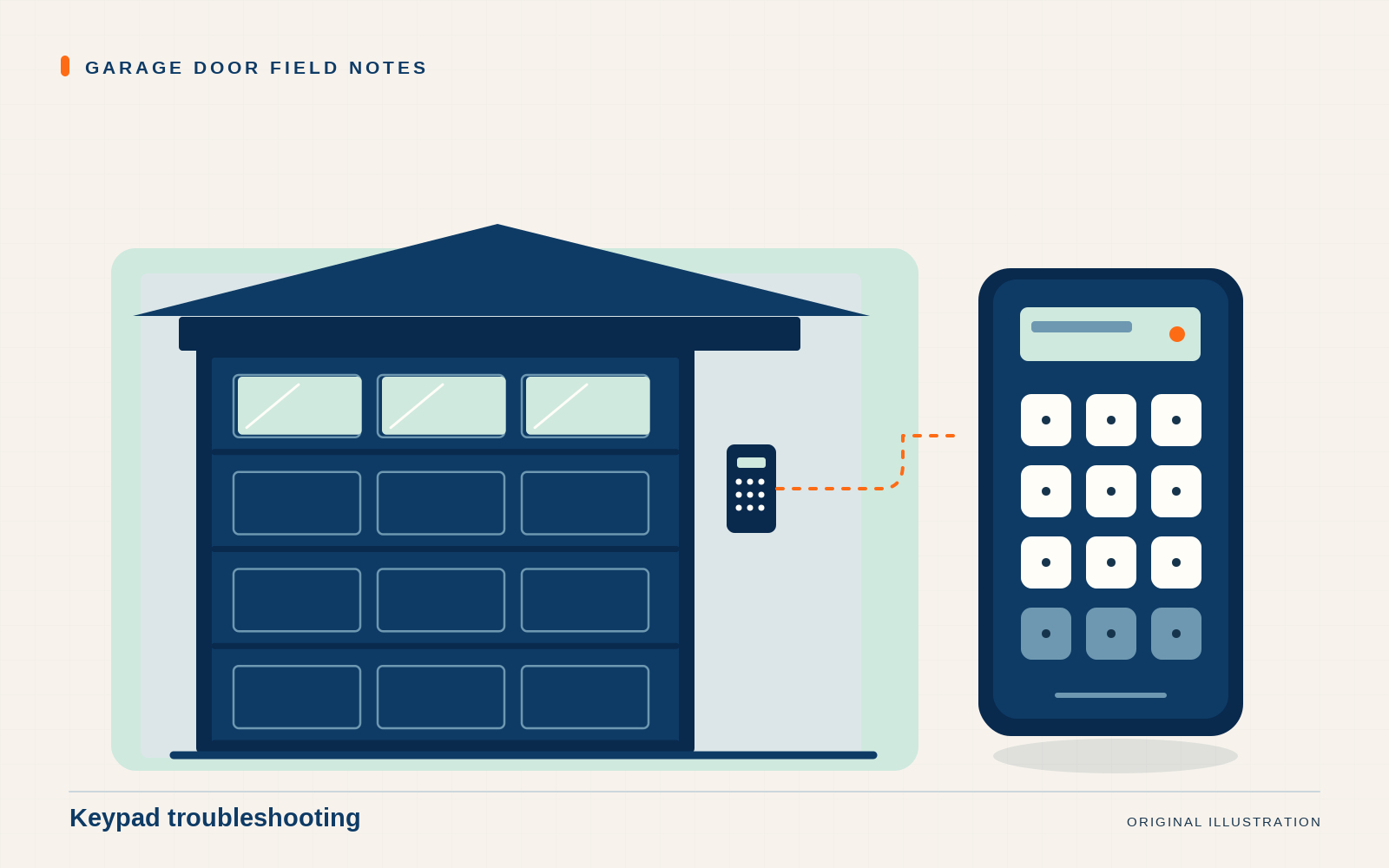
For a separate exterior keypad problem, see the keypad troubleshooting guide. A keypad can have its own battery, PIN or programming issue even when handheld remotes work.
Program only after identifying the correct procedure
Use the instructions for the exact opener and transmitter. Chamberlain warns that holding the Learn button can erase stored remote and keypad programming. That is different from the brief action used in some pairing procedures, so a generic “hold reset” instruction can make the problem larger.
Before changing programming, list the devices that currently work. If you need to remove a lost remote for security, follow the manual’s deliberate erase-and-relearn procedure and plan to restore the controls you still use. Do not erase every device merely because one remote has a weak battery.
Intermittent range and the next service step
If the remote works only very close to the opener, note whether the behavior changed after a new light bulb, nearby electrical equipment or a recent opener repair. These are clues for investigating interference or the receiver path, not proof that a particular device is defective. Do not modify an antenna or open the operator housing to experiment.
For garage door opener control repair, share the opener model, remote model, battery change history and which other controls work. That evidence helps separate a transmitter issue from receiver, wiring or safety-system faults before a replacement is proposed.
Frequently asked questions
Why did a new battery not fix the remote?
Battery condition is only one possibility. Lock mode, compatibility, programming, transmitter damage or receiver-path problems can also prevent operation.
Should I erase all remotes and start over?
Only when the manufacturer’s procedure and your goal call for it. Erasing the opener’s memory can disable working remotes and keypads, so identify the problem first.